
The Austin MacWorks Official Blog

Two iPhone Exploit Kits Mean You Should Update iOS Now
Two major iPhone exploit kits—DarkSword and Coruna—can steal passwords, messages, and photos from everyday users who visit an infected website. Check your iOS version and update immediately to protect yourself.

Create AI-Powered Playlists with iOS 26.4’s Playlist Playground
Apple Music’s new Playlist Playground in iOS 26.4 uses AI to create custom playlists based on any mood, genre, or activity you describe. Just type what you’re in the mood for and let the app do the rest.

Understanding New MacBook Battery Charging Features
Is your MacBook’s battery stuck at 80%? That’s Apple protecting your battery’s long-term health. macOS 26.4 adds new controls, including Charge Limit and a Slow Charger warning. Learn how these features work—and when to override them.
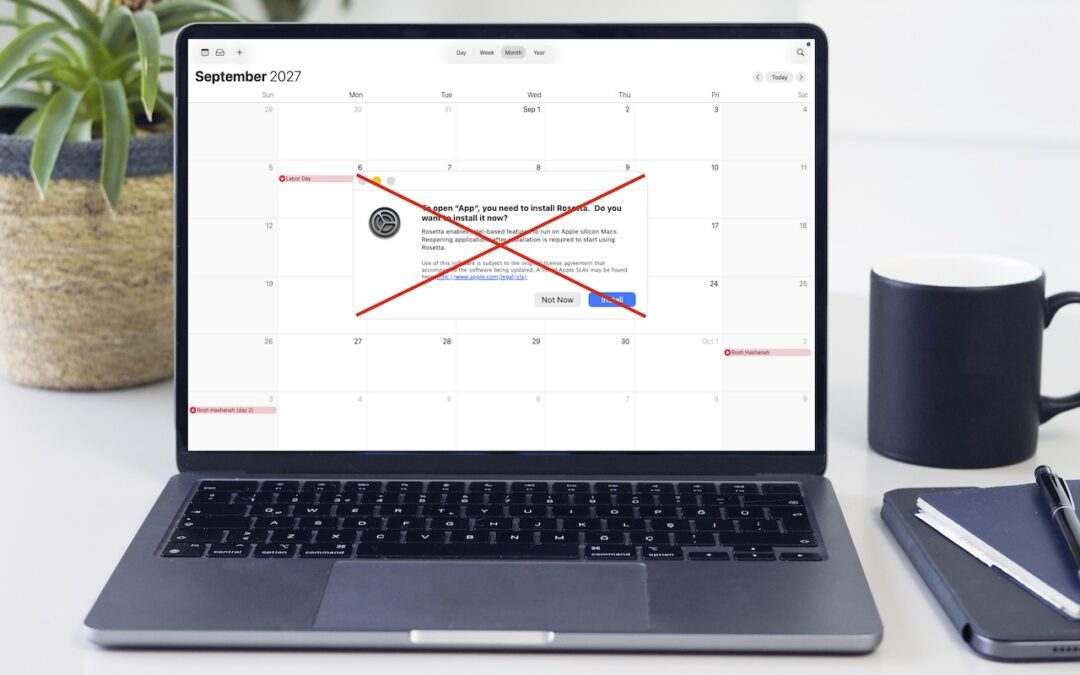
Intel-Based Apps Will Stop Working in macOS 28
Running macOS 26.4? You may start seeing warnings about Intel-based apps not opening. They won’t stop working until macOS 28, but now’s the time to find replacements. Here’s how to identify which apps need attention.

View Suspicious Documents Safely with Dangerzone
Got a suspicious attachment? Dangerzone converts potentially dangerous PDFs and Office docs into safe, pixel-only copies you can view without risk. Think of it as a virtual photocopier that strips any hidden malware, JavaScript, or macros.

macOS 26.4 Warns Against Terminal-Based Malware Attacks
Fake CAPTCHAs that trick users into pasting malware commands into Terminal are now common enough that Apple added a warning in macOS 26.4 Tahoe. Remember: no legitimate verification ever requires Terminal commands!
Super insightful and fresh perspective.
Well explained and easy to follow.
So glad I stumbled upon this.
Looking forward to your next post!
Truly a masterpiece of content.